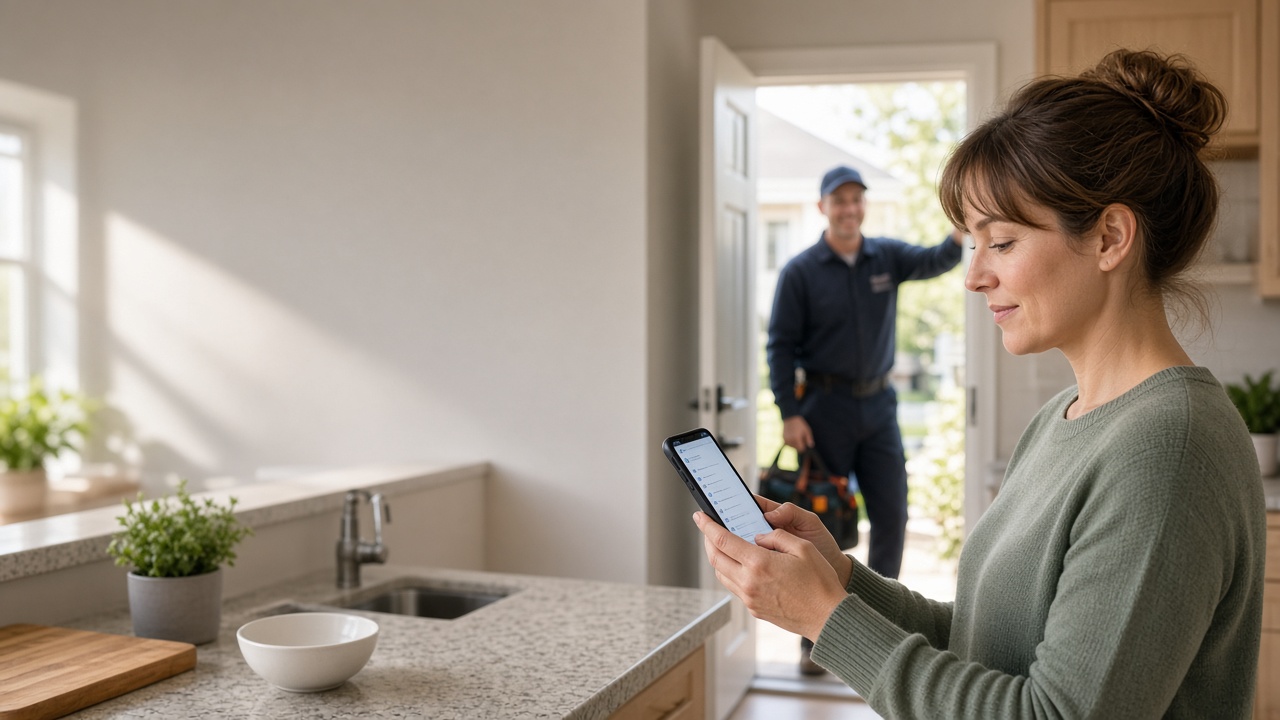
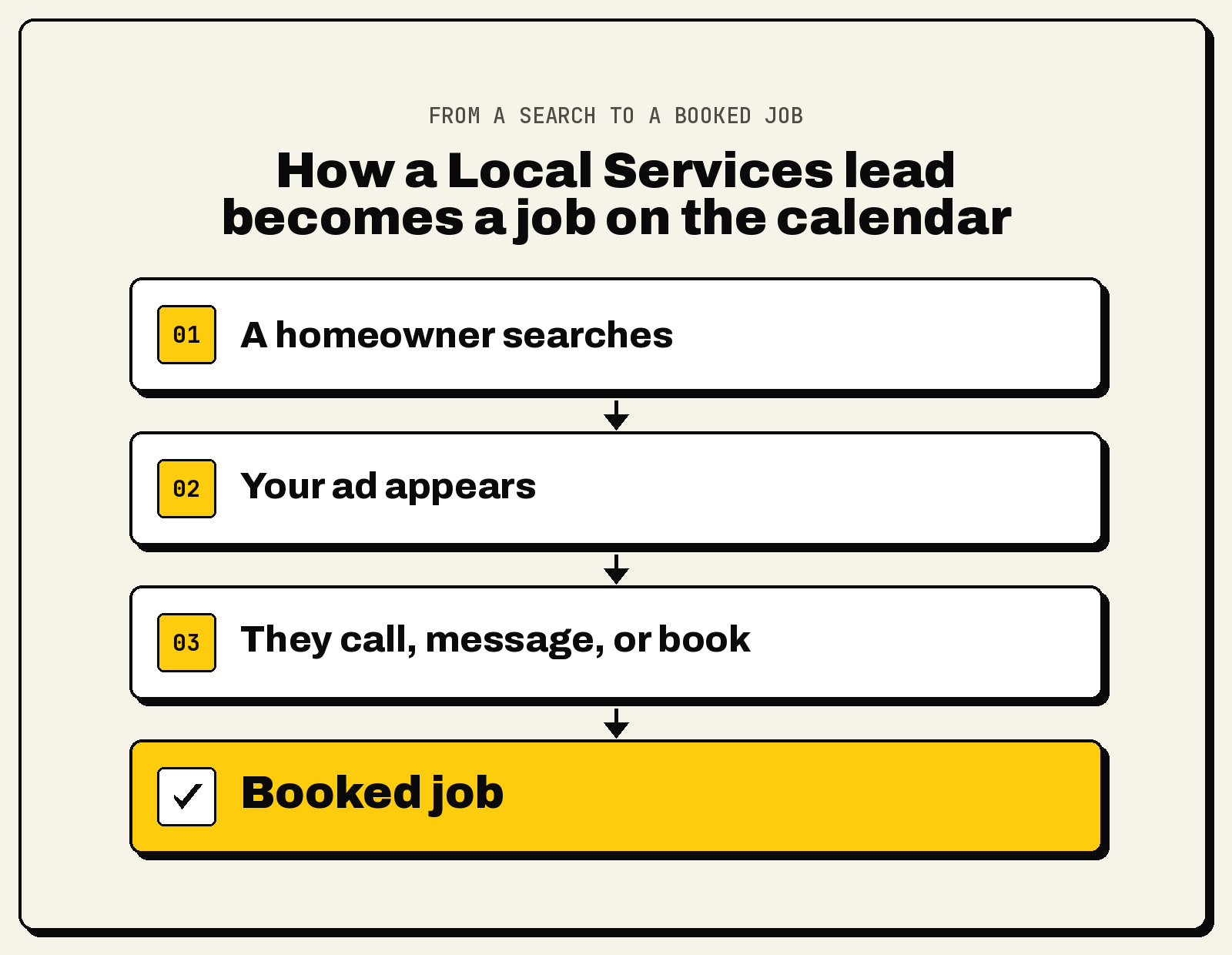
Google Local Services Ads turn a home-service search into a booked job when a homeowner can reach you from the ad, the lead is work you can actually take, and someone gets that job onto the calendar. Unlike a regular search ad, you pay for a valid lead — a call, a message, a voicemail, or, in the United States and Canada, a booking request — not for a click. Here is how that path works for HVAC, plumbing, electrical, roofing, and other trades across the US.
How do Local Services Ads differ from regular Google search ads?
Google's Local Services help pages describe these ads as a way to attract local customers when someone searches for a service you offer. The ad highlights services, service area, hours, and reviews, and shows a tracking phone number that forwards to your business line.
The charging model is also different from a standard search campaign. Google says you pay for valid leads, not for every click. You set an average weekly budget and a bidding mode for the maximum you are willing to pay for a lead. Lead prices, Google says, may vary by location, job type, the type of lead, and your bidding mode. After you reach your monthly maximum, your ad will not appear for the rest of the month unless you change the budget. The job is still unbooked until it is qualified and placed on a calendar.
How does a Local Services lead actually arrive?
Google lists the situations that can count as a valid lead: answering a call or calling back and speaking with the customer; missing a call during business hours if the customer stays on the line more than 20 seconds; receiving a text, email, or voicemail; and, in the United States and Canada, receiving a booking request.
Phone leads come in on a Google forwarding number. Google says that number is dynamic and will change, and that in the US and Canada inbound calls may be recorded, with a notice to the customer. When the call comes through, you may hear "Call from Google," a practical cue to treat it as a paid lead.
Message leads let a homeowner reach you by text or email from the ad. Google routes those conversations through anonymized proxies and says message leads are typically priced lower than the corresponding phone lead, though not always. Notifications can arrive by email and, in the US, by text. Booking leads, available in the United States and Canada, are a request to put a job on the calendar from the ad itself. If you offer them, the first task is to confirm the window and show up.
Google also describes when a missed call is billed. The 20-second rule applies to unanswered calls during your business hours, and, if you use an ad schedule, only when that schedule is also active. If you answer, even after a long ring, the lead is evaluated as an answered call, not by ring time. Follow-up contact with the same customer is not charged again if there is interaction within 15 days from the same number or email.
If a lead looks invalid or low quality, Google says its systems first try to filter or credit those automatically, and that charged leads may be reassessed over a 30-day period. Charge status can appear as "Charged," "Not charged," "In review," or "Credited." You can also submit feedback on a lead through the survey on the Leads page.
What do the verification badges on Local Services Ads mean?
To run Local Services Ads, Google requires businesses to pass a screening and verification process. Requirements vary by category and location and may include license, insurance, business registration, background checks, and, in some cases, a minimum number of reviews.
Google has said it is simplifying advertiser badges to a single Google Verified badge. New advertisers receive it after they complete screening. Existing advertisers who already met verification requirements, Google says, automatically receive the new badge. It appears on the Local Services profile and shows customers that the business has been verified by Google.
Contractors may still hear older badge names. Google previously used badges such as Google Guaranteed and Google Screened. Google has also said it is discontinuing the money-back program associated with the Google Guarantee badge, with consumer reimbursement requests limited to services booked through Local Services Ads before December 7, 2025. For a shop running ads today, the practical point is to complete and keep up the current screening so the Google Verified badge can show. Google also says advertisers are re-evaluated over time, and that failing to complete a requested follow-up check may result in losing the badge, a pause on ads, or account suspension.
How does Google decide which Local Services ads to show?
Google ranks Local Services listings with an auction that considers your bid and overall profile quality. Google lists responsiveness to inquiries as a factor in how likely your ad is to produce a lead, and says missed calls may negatively affect that responsiveness. Profile quality, according to Google, includes your rating, number of reviews, average response time, images, and completed verification checks. Higher-quality profiles, including those with images, may rank higher and may also pay lower costs per lead, Google says.
Reviews are part of that picture. Google states that star ratings and the number of reviews affect how your business is ranked in Local Services Ads, and that providers with higher star ratings and more reviews stand out and typically book more jobs. Those reviews come from your Google Business Profile.
Responsiveness is visible to customers as well as to the auction. If you have had two or more message leads in the last 90 days, Google may show an estimated messaging response time on your ads, from "a few minutes" to "one day," based on a weighted average during your business hours. Google recommends responding to leads as soon as they come in, and says a consistently fast response time could improve ranking and your ability to receive leads.
You can also choose when the ad runs. Google lets you schedule ads all day, only during business hours, or during custom hours, and pause the ad if you cannot take work. If the ad is paused or outside its schedule, Google says a free version of your listing may still be displayed. Ranking and lead volume are still only inputs. A booked appointment is the result.
How should you turn a Local Services lead into a booked job?
Treat the lead as a job request, because in many cases you have already been charged for the contact.
If it is a call, pick up when you can, confirm the problem, the address, and the timing, and offer an arrival window before the homeowner moves on to the next listing. If you miss it, call or text back promptly. A missed call during business hours can still be a billed lead if the caller stays on the line long enough.
If it is a message or a quote request, reply with the details they already sent, whether you can take the job, and one or two times you can be there. Google lets you reply from the Leads page or from the notification, or decline the request if you cannot help. If it is a booking request, confirm the window and make sure the job is visible to whoever is dispatching that day.
Keep your service categories and service area accurate so you are less likely to pay for work you do not do. Google suggests tightening service areas, categories, and service types if you are getting leads you cannot take, with the tradeoff that overall volume may fall. Match your ad schedule to hours you can actually cover, or keep message and booking options on so homeowners can still reach you when no one can answer. Google notes that enabling those options can increase the chance of receiving a lead at night and on weekends.
Then measure booked work, not leads alone. clear reporting on every lead, call, and booked job shows whether Local Services contacts are becoming jobs. It is not a substitute for the reporting in your Google account, and the two will not always line up line for line.
TrafficHive is a done-for-you ads-to-booked-jobs agency for home-service contractors nationwide. We run Local Services Ads along with Yelp ads and Meta ads. On the Therma Tech case study, a San Jose HVAC company saw about 29% lower Yelp ad costs after campaign work, held for six months. Results vary by market. Platform fees are $297 per month for ad budgets under $5,000, $597 per month for budgets from $5,000 to $20,000, and custom pricing above $20,000, billed monthly with no setup fee. Details are on pricing.
Frequently asked questions
What is the difference between Local Services Ads and regular Google search ads?
A regular search ad is typically charged when someone clicks. Google says Local Services Ads are charged when you receive a valid lead, such as a call, a message, a voicemail, or, in the United States and Canada, a booking request.
What does the Google Verified badge mean?
Google says the badge shows customers that your business has been verified by Google after you complete Local Services screening. Requirements vary by category and location and may include license, insurance, registration, and background checks.
What happened to Google Guaranteed and Google Screened?
Those were earlier badge names on Local Services Ads. Google has said it is simplifying to a single Google Verified badge and discontinuing the money-back program associated with the Google Guarantee badge. Consumer reimbursement requests were limited to services booked through Local Services Ads before December 7, 2025.
Do I pay if I miss a Local Services call?
You can. Google says a missed call during your business hours can count as a valid lead if the customer stays on the line for more than 20 seconds. If you answer, the lead is evaluated as an answered call, not by how long it rang.
How do reviews affect Local Services Ads?
Google states that star ratings and the number of reviews affect ranking, and that providers with higher ratings and more reviews stand out and typically book more jobs. Those reviews are managed through your Google Business Profile.
Can TrafficHive help with Google Local Services Ads?
TrafficHive runs Local Services Ads, Yelp ads, and Meta ads for home-service contractors nationwide, helps qualify and book incoming leads, and provides clear reporting on every lead, call, and booked job.
If you want a straightforward look at how your ads, reply time, and booking path are working, Get a free 15-minute Yelp ads audit.
Sources
- Google, "Local Services Ads overview." https://support.google.com/localservices/answer/7549347
- Google, "How leads work." https://support.google.com/localservices/answer/7195435
- Google, "About Google Verified badge." https://support.google.com/localservices/answer/16498018
- Google, "Understand the screening and verification process." https://support.google.com/localservices/answer/6226575
- Google, "About ad rankings." https://support.google.com/localservices/answer/7527305
- Google, "Manage leads and jobs." https://support.google.com/localservices/answer/6224859
- Google, "Reviews and Ratings on Local Services Ads." https://support.google.com/localservices/answer/7496631
- Google, "About ad scheduling." https://support.google.com/localservices/answer/9251526
- TrafficHive, "Therma Tech" case study. https://traffichive.ai/case-studies/therma-tech